We rank vendors based on rigorous testing and research, but also take into account your feedback and our commercial agreements with providers. This page contains affiliate links. Advertising Disclosure
From advertising “free” features that are only available if you pay annually to non-supportive support and a pretty frustrating onboarding experience, my time with 123 Reg was worthy of a “fail” video on YouTube. If you’re seriously looking for an affordable web host with a good European reach and better service, I suggest you try Hostinger instead.
We hosted the same WordPress website on the most popular web hosting platforms and measured their performance Click here to see our results >>
Overview
Not a Lot of Good Things to Say
I was brought up on the saying, “If you can’t say anything good, don’t say anything at all.” Typically, when I’m assigned to do a hosting review, I try to keep a positive mindset so I can provide a fair and balanced opinion. With 123 Reg, however, I was struggling to find something, anything, good to say. And since my bosses were expecting a full review, I couldn’t stick with Grandma’s teachings and say nothing. So here we are.
From the start, my experience with 123 Reg made me wish I’d called in sick for this review. Basic information that we normally include in our reviews, such as data center locations and phone support hours, were nowhere to be found – either shrouded in secrecy or hidden in FAQs. Then came the trainwreck experience of actually using 123 Reg’s services. Things were so bad at one point, I had to cancel the account and start all over again.
Granted, its performance scores were surprisingly good, but I had so much trouble getting my site online it was hardly worth it. What good, after all, are fast loading speeds when you can’t get your domain and your hosting package connected?
My overall opinion is that it’s a good thing I didn’t have to rely on 123 Reg for hosting. If you’re looking for an alternative host, I’d suggest looking for one that offers a data center in the UK, outstanding performance scores, an easy-to-use website, nice entry-level plan features, and decent prices. (Most of which 123 Reg doesn’t supply.) In fact, I can recommend 10 top website hosts that can easily provide this, and then some.
Read on to see what went wrong and why I came to my conclusions.
3.5
Features
Don’t Expect Much
At first glance, 123 Reg looks like it has some really nice features. After all, it advertises things like free email, domains, and SSL certificates. I did find a couple of things worth praising for their mere existence, such as unlimited bandwidth and daily backups. However, after actually using the service, there were either technical issues or limitations that took the shine right off.
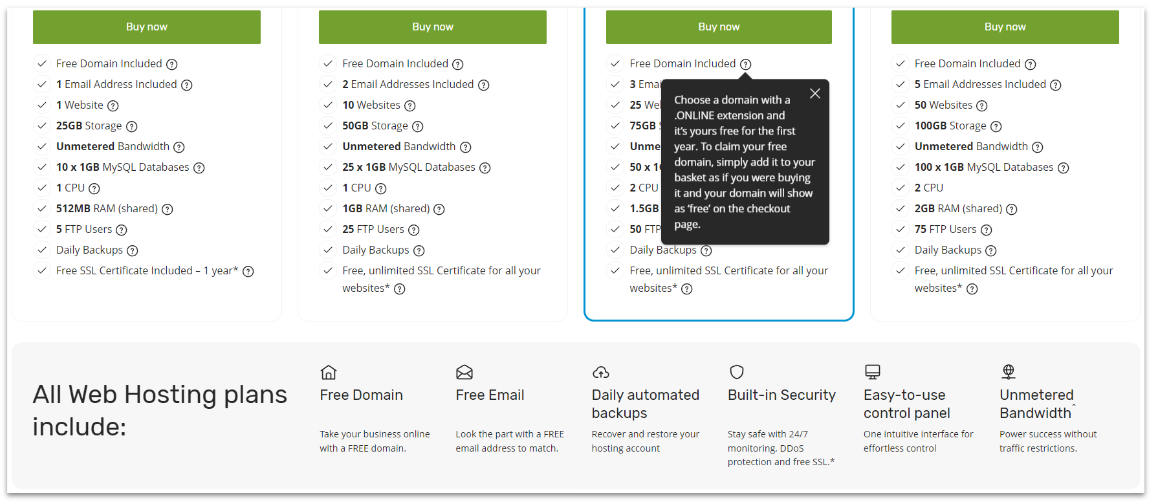
Judging by the hosting plan descriptions, you’d think that 123 Reg offered some really good stuff for really reasonable prices. See all those tooltips beside the hosting plan features? That’s where the “fine print” hides. Free domain? Looks good, until you realize you can only get a free domain if you register a .online TLD. Free email? Only if you pay for a yearly plan. Free SSL? Not if you purchase the entry-level Economy plan.
Unlimited bandwidth? Ah, but there’s a catch. You’re advised under 123 Reg’s Acceptable Use Policy that using high volumes of bandwidth can get your account terminated without warning. While this practice is pretty standard, most hosts are more forthcoming with it instead of hiding it in documentation few users actually read.
In contrast, many competitors don’t limit their free features. For example, Hostinger’s free domain offer includes 24 different TLDs, including .com. InterServer provides unlimited emails with its monthly payment plan. Both include free SSLs. They also add other valuable free features, such as InterServer’s proprietary InterShield security suite and Hostinger’s AI website builder – and that’s with their entry-level plans.
One thing that 123 Reg does right is offer daily backups with all its plans. Many hosts, including Hostinger, only offer weekly backups with their budget plans. 123 Reg will store your daily backups for 7 days. Or at least that’s what the site says.
Whenever I accessed my Backups dashboard in my cPanel, there was only ever one backup available. Depending on the time of day I checked, it was either from that same day or from the day before. Perhaps another issue with purchasing a monthly plan? Or the Economy plan? We’ll never know because support couldn’t tell me why. (We’ll get to support in a bit, another disaster all on its own.)
Managed WordPress Option
123 Reg offers managed WordPress hosting, but you’ll have to pay a lot if you want to run more than one website
While I didn’t test our WordPress site on 123 Reg’s managed WordPress hosting, it’s an option I need to mention. There are three plans that are only a bit more expensive than the shared hosting plans – as long as you only want to host one site. You’ll pay significantly more to host more than one.
The same limitations with domains and email accounts also apply here. Daily backups become “Regular Backups” with no explanation of what that means. In the very least, the managed WordPress plans do give you access to a free SSL, CDN, and malware scanning. The plans also include more storage, from 30 GB to unlimited.
Features at a Glance
Free domain name
✔ (with a yearly plan, only .online available)
Free SSL
✔(not available on the entry-level plan)
Money-back guarantee
14 days
Uptime guarantee
99.99% (only applies to Premium hosting packages)
Data centers
UK, Europe (unspecified)
3.9
Ease of use
When It Works, It’s Great… When It Doesn’t, It’s Bad
In all fairness to 123 Reg, when its website works, it’s not a bad experience. The issue I found is that many things are either terribly glitchy or not user-friendly at all. I’ve tested many hosts and never had this much trouble setting up an account as I did here.
Creating a New Account
There are two major issues with 123 Reg’s account signup. The site requires you to receive a text message to verify your new account. There are no other options, just a text message. The first week I tried to sign up, the texting function was down and I was eventually told to use WhatsApp instead. This issue has since been resolved. How do I know? When I had to start all over again with a second new account, the texting function worked fine.
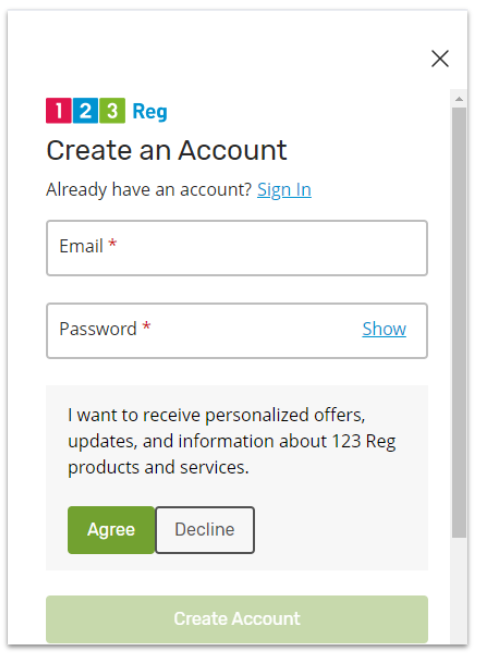
Pet peeve: service providers who make me opt out of their marketing emails
The second issue is evident in the screenshot above. When you create your account, 123 Reg automatically registers you for its marketing emails. You have to click that slider over to decline. This may seem petty, but I don’t like having to opt out of marketing from a service I’m already using. It’s as bad as preselected upsells during the ordering process, if you ask me.
An annoying but not serious issue occurred when I chose not to accept all of 123 Reg’s cookies. It’s a pretty common thing, right? You can choose which cookies you want to allow. 123 Reg gives you that option, but if I chose anything other than “All Cookies,” the online chat function went away! So if you have any potential future need for immediate support help, just bite the bullet and accept all the cookies, I guess. Needless to say, none of this made a good first impression.
Connecting a Domain and Setting Up WordPress
Finally! Something simple and easy! 123 Reg preinstalled WordPress for me
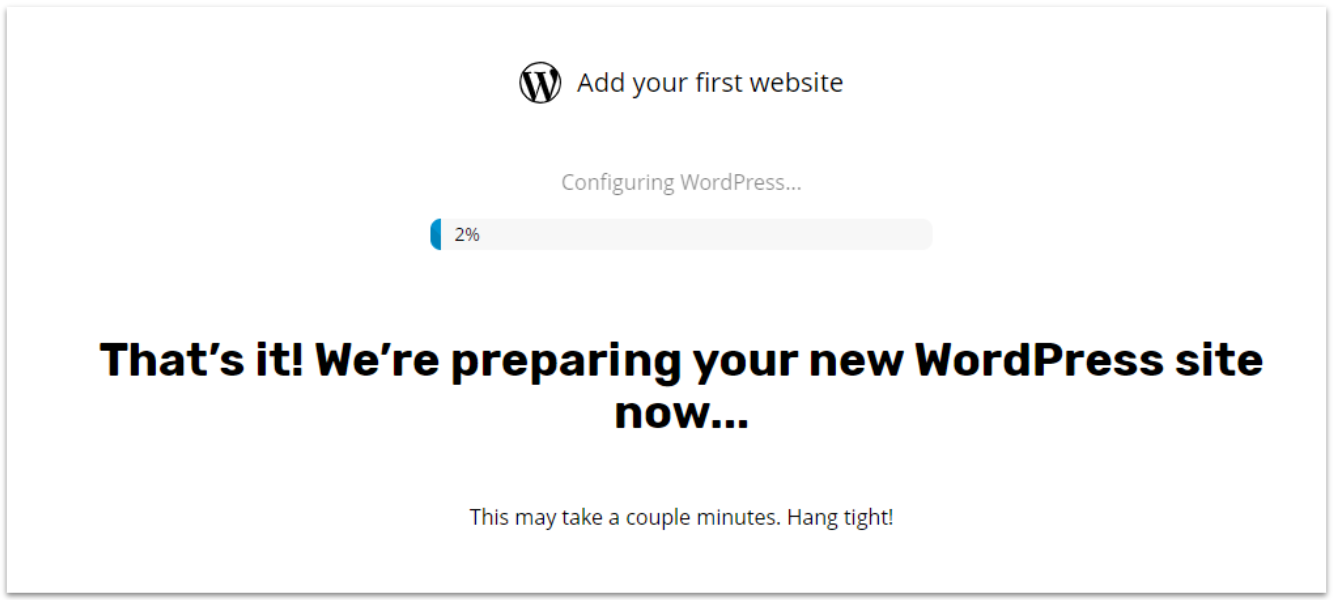
Setting up WordPress with 123 Reg is a no brainer, as my plan automatically came with the platform preinstalled. Nowhere on the website or plan description is this explained, so it was a nice surprise not having to manually install it.
I saw this message every time I logged in for 3 days straight during the week, so there wasn’t even a weekend to delay things
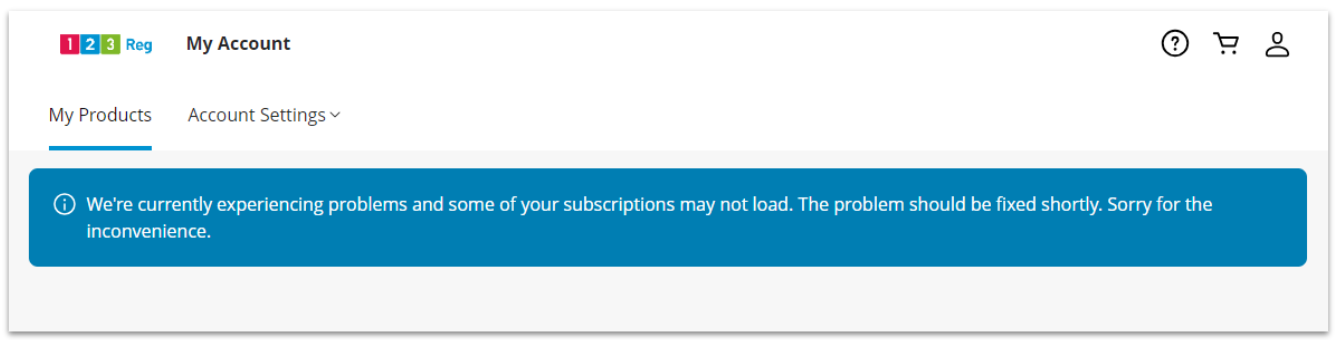
Connecting a domain, however, was an ordeal. I intended to use an older domain that I owned, parked at a third-party registrar (silly me…). That’s when the trouble started. I followed all the steps in 123 Reg’s Support Center documentation – which, it turns out, wasn’t sufficient for the task at hand.
After three days of encountering this screen, I contacted 123 Reg’s technical support – which, it turns out, also wasn’t sufficient for the task at hand. (See the Support section for all the gory details of that experience.)
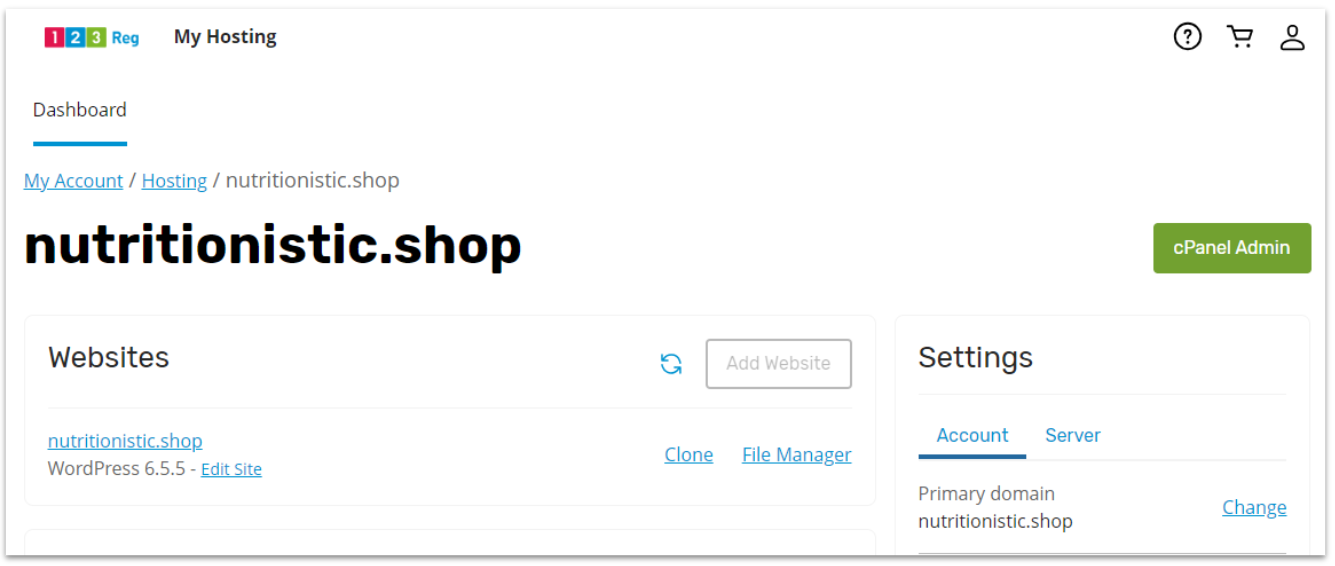
So, on the advice of support, I reset the account and started all over again with account number two. Still didn’t work. In the end, I had to cancel that account (which in itself was a 10-step ordeal all on its own). Then, I had to buy a 123 Reg domain and another Economy hosting package. This time, 123 Reg automatically pointed my 123 Reg domain to my hosting account. Imagine that.
Contrast that with top hosting providers for multiple domains that I’ve had the pleasure of testing. None of them had any issues connecting my third-party domains. They all had clear, concise instructions in their knowledge bases on how to point your DNS to their server. And none required me to buy a domain through them in order to do so.
 Website Planet